



































Upgrade a Spoke Cluster
Use this page to upgrade a single spoke cluster from the Hub UI. Upgrade the management cluster first, and update the ClusterSet after all of its spokes are upgraded. For the full procedure, including pre-checks, post-checks, and troubleshooting, see Upgrade Cluster.
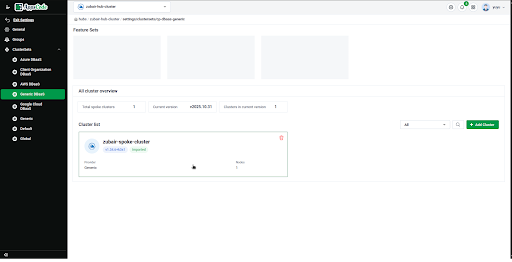
- In the Hub UI, open the ClusterSet that contains the spoke you want to upgrade, then select the spoke in the Cluster list.
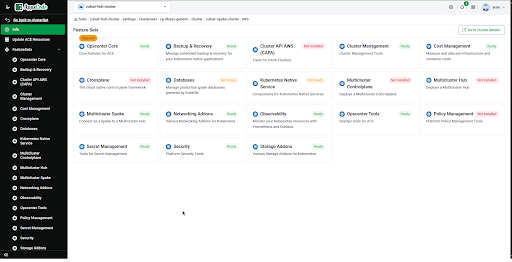
- The spoke’s feature sets are shown inside the hub. To give a spoke different features than the hub, configure them here.
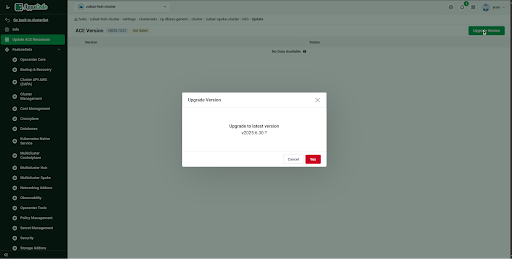
- From the sidebar, open Update ACE resources. If a newer version is available, click Upgrade version and confirm with Upgrade.
Verify the new version from the management cluster:
kubectl get managedclusterprofilebinding -AThe spoke’s
CURRENT VERSIONshould show the target version. The HelmReleases on the spoke update over the next few minutes. Check them from the spoke withkubectl get hr -A.After every spoke in the ClusterSet is upgraded, open the ClusterSet and click Update Cluster Set.
If the spoke’s version does not change or the ClusterSet stays unaligned, see Troubleshooting.